
Expertise
Move-in week: getting your building's WiFi ready for arrivals day
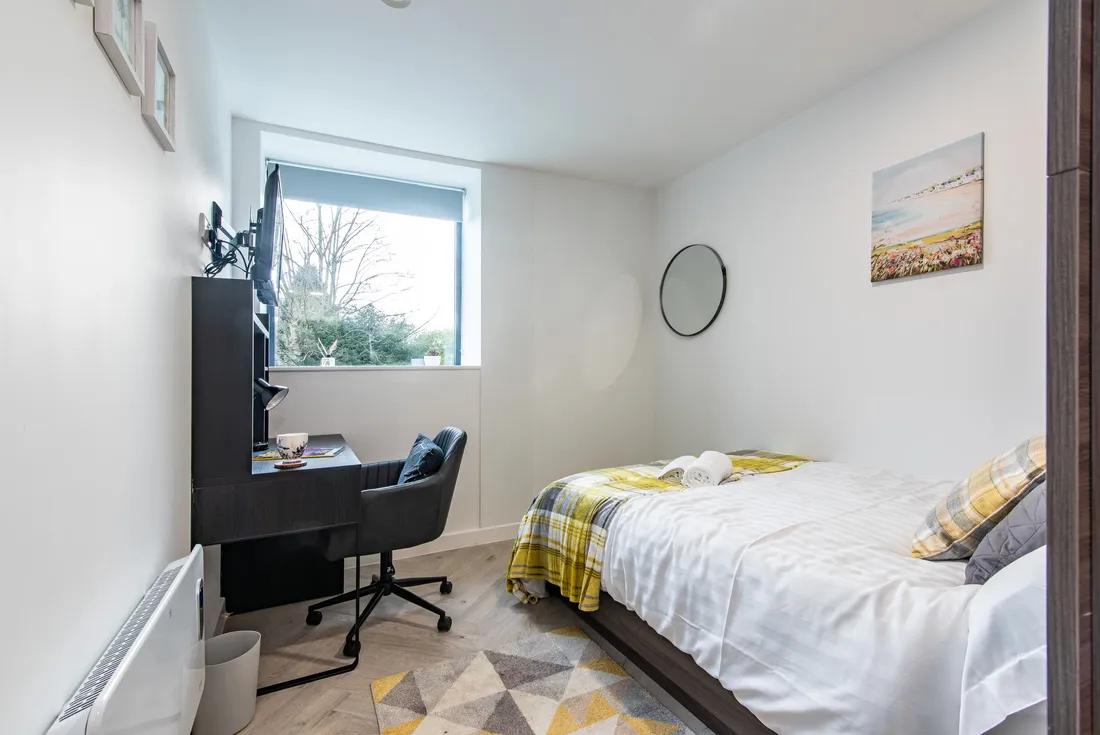
No week tests a building's network like move-in week. A student block sits near-empty over the summer, then fills in a single weekend. Every arriving resident brings several devices, and every one of those devices tries to join the network within hours of the keys being handed over. Whatever impression the WiFi makes that weekend is the impression that sticks, and it's the one that ends up in reviews and rebooking decisions.
Plan for the peak, not the average
A network that performs well in July tells you almost nothing about September. The design has to assume the worst hour of the worst day: every room occupied, every resident unpacking with a phone in hand, parents on video calls, consoles downloading updates the moment they're plugged in. That first evening is often the heaviest load the network will see all year, because every device a resident owns is setting itself up at the same time.
Common areas need particular attention. On arrivals day the lobby, lifts and shared kitchens hold far more people than they will on a normal Tuesday. If access points in those spaces were specified for typical occupancy, they'll struggle exactly when the building is full of first-impressions traffic.
Test before the rush, not during it
Everything about the network should be verified while the building is still quiet. That means walking the building and confirming coverage in every room, not sampling a few and assuming the rest. It means checking that every access point is up, on the right channel plan, and actually cabled to the switch port the design says it is. It means confirming the building's upstream connection is delivering what it should before hundreds of people depend on it.
It also means testing the thing residents actually touch: joining the network. Sit in a room, connect a phone the way a student would, and time how long it takes to get from unboxing to online. If the onboarding process needs a password taped to a noticeboard or a call to reception, fix that before the weekend, not after.
Spares matter too. Access points and switches fail on no particular schedule, and arrivals weekend is a bad time to discover a lead time. Having replacement hardware on hand (and someone who can swap it) turns a potential weekend-long outage into a short one.
Get the support routing right
Here's the part operators underestimate: on move-in weekend, your site team is the busiest it will be all year. Keys, parking, deliveries, parents. If WiFi questions land on the same people, both jobs suffer. Residents queue behind luggage trolleys to report a connection problem, and your staff spend arrivals day doing first-line IT.
The fix is routing: residents should have a direct line to the people who run the network. In our managed buildings, residents contact AirGen, not the site team, so a connection question on arrivals day goes straight to an engineer who can see the network and fix the problem, while your staff get on with moving people in. That's what our tenant internet support service exists for, and move-in week is when it earns its keep most visibly.
The week after matters too
The first week of term surfaces the issues no test can: the resident with an unusual device, the room where a wardrobe placement muffles the signal, the console that won't join. Watching the network closely through that week, and fixing small problems before they become tickets, is the difference between WiFi nobody mentions and WiFi everybody complains about. Quiet WiFi is the goal. In a well-prepared building, move-in week is busy for the network and uneventful for everyone else.